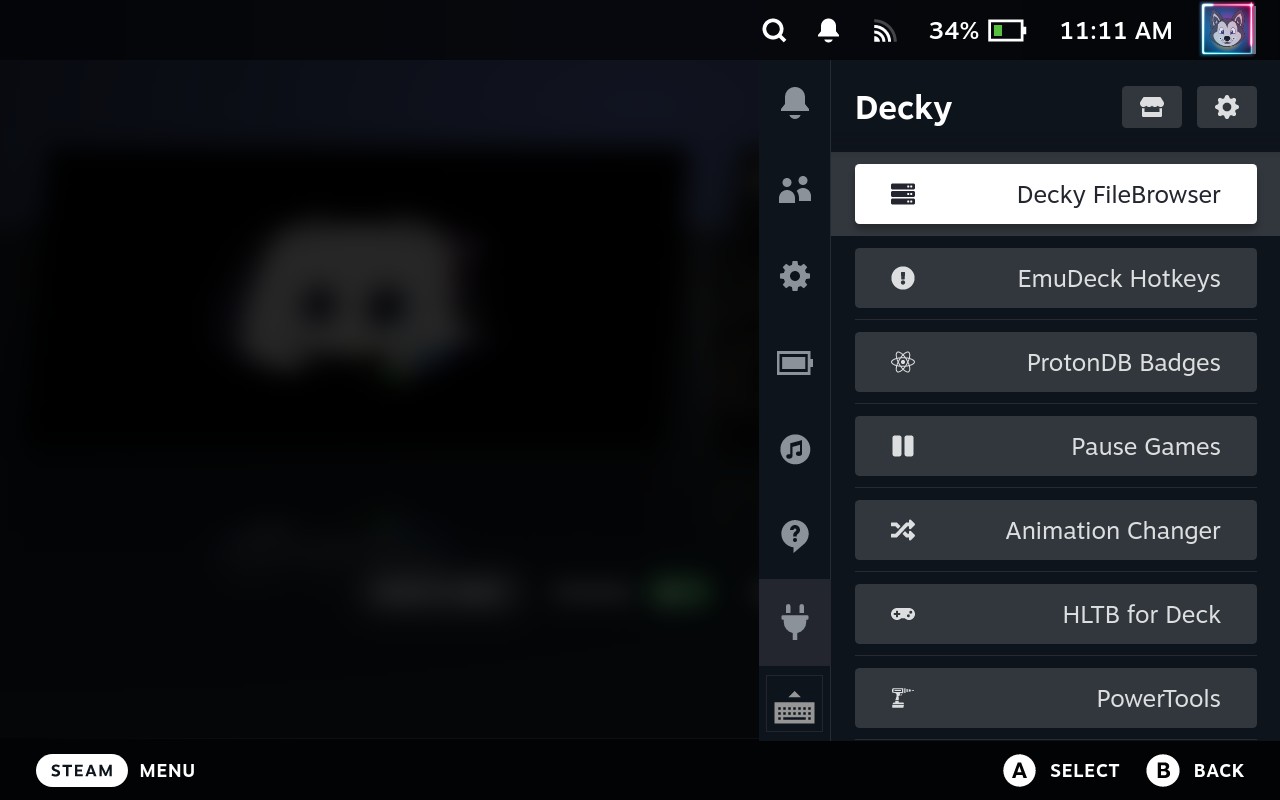
As many people already know, I am a big fan of the Steam Deck and its community. Not long after the release of the Steam Deck, the community already hacked a way to inject JavaScript components to it’s UI, making it possible to extended the system’s functionality.
Since then, Valve has not moved a finger to blocked the community from this, as opposed to other video game manufacturers, and the advancements led to people even being able to extend the functionalities of the Steam Desktop client, with the same hacks.
It all works using a plugin loader called Decky, and there’s a template repository for people to spin up plugins to be installed on their Decks. There’s even a public plugin database, where the plugins are published to be able to deliver updates OTA to the devices which have those plugins installed. And it is all built by the community, for the community.
Since the begining, I have been wandering of a good way to transfer files to and from the Steam Deck, over the network, but it all seemed that the microSD and USB drive methods were the best options when it came to transfering files from another devices to the Steam Deck.
So I found a really nice project, File Browser, and started using on my personal NAS. This project allows you to expose files from a PC over the network via a web application. In other words, all you need is a web browser to access the files, it can be your computer or phone. You can download, edit, consume and upload files straight from the browser, and it already comes with an authentication mechanism so that you can create users and control access to files. It is also capable of sharing links to files on your computer, so that people can access these files without having to log in to your server.
I got inspired by Onion OS, which is a operating system overhaul for the Miyoo Mini and Miyoo Mini Plus, and they add a bunch of new functionality to those devices, including a version of File Browser, to easily managing the games you have on your device. I heavily use File Browser with my Miyoo Mini Plus, transfering roms from my phone to the device, and vice versa, and I wanted to do it with my Steam Deck as well.
Then I wrote a plugin, for the Steam Deck, which runs a File Browser on your Steam Deck, so that anyone can easily transfer files to and from the Steam Deck, without the need to be swapping microSD cards or USB drives. You can do everything from the browser.

You can have access to the code from the GitHub Repository , there is currently a submission for the plugin to be included on the Decky Plugin Database, so that anyone can download the plugin straight from their Steam Decks.
Leave a Reply